
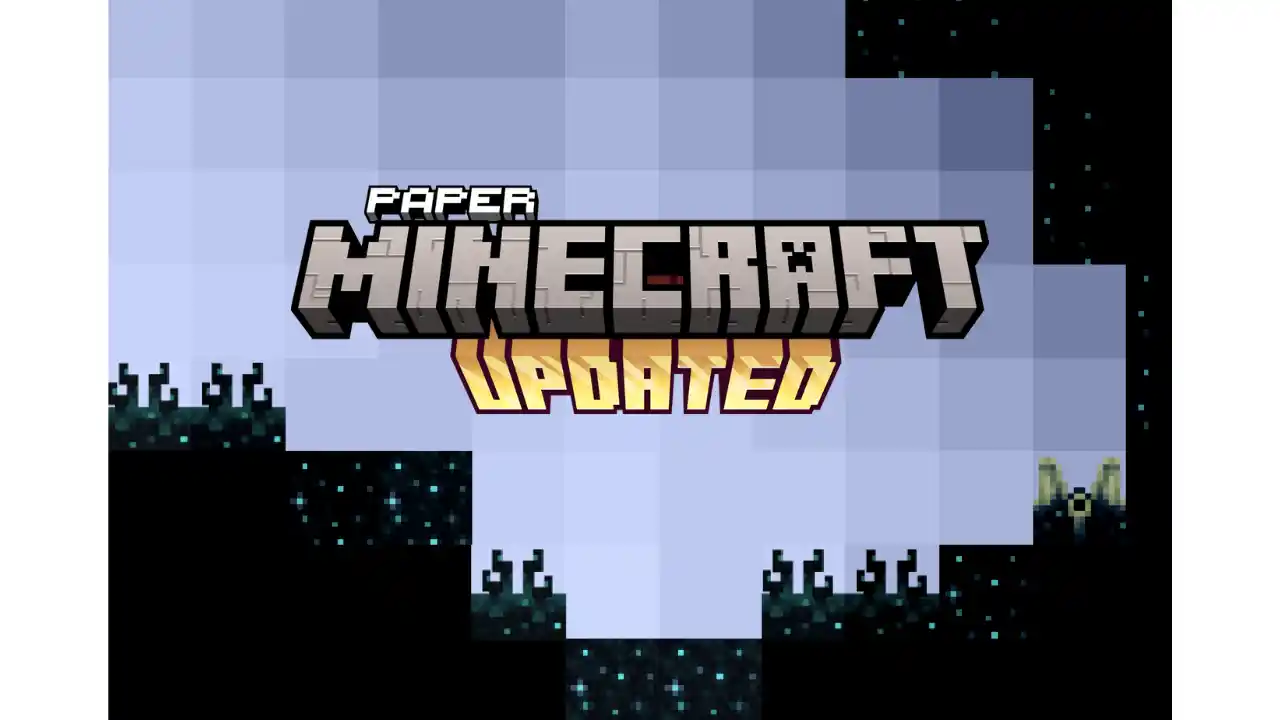
Paper Minecraft is a unique adventure sandbox game that turns the classic Minecraft experience into a fun and lightweight 2D world. Instead of the usual 3D view, this version lets you explore, build, and survive from a side-scrolling perspective, making it fast, simple, and surprisingly addictive. You can choose between Creative and Survival modes and start playing instantly in your browser.
How to Play Paper Minecraft
The core gameplay follows the same principles that made Minecraft legendary. You explore the world, break blocks, collect resources, craft useful items, and build structures. The biggest difference is the 2D layout, which makes movement and combat easier to understand while keeping the original charm intact.
Even if you’ve never played Minecraft before, Paper Minecraft is easy to pick up and doesn’t overwhelm you with complex mechanics.
Creative Mode
Creative mode is all about freedom. You get unlimited blocks, tools, and resources right from the start. There’s no health bar, no enemies to worry about, and no limits on imagination. You can fly across the map, explore different environments, and focus entirely on building anything you want from simple houses to massive creations.
This mode is perfect for players who enjoy designing and experimenting without pressure.
Survival Mode
Survival mode offers a real challenge. You begin with nothing and must work your way up by gathering materials and crafting tools. Food is essential to stay alive, and hostile creatures appear when night falls. Mining resources, farming, and building a safe shelter are key to lasting longer in the game.
Every decision matters, making survival mode more intense and rewarding.
Game Features
- Full 2D Minecraft-style sandbox gameplay
- Both Creative and Survival modes included
- Craft items, mine blocks, and build structures
- Smooth browser-based performance
- One of the most advanced Scratch games ever made
Controls
- A / D or Left / Right Arrow Keys – Move
- W or Up Arrow Key – Jump
- Left Mouse Click – Break or place blocks
- E – Open inventory and chests
- F – Eat food or hold items
- Spacebar – Split item stacks while crafting
FAQ
Is Paper Minecraft the same as Minecraft?
It follows the same gameplay ideas but uses 2D graphics instead of 3D.
Who made Paper Minecraft?
The game was developed by Griffpatch, a popular Scratch creator.
Can I play Paper Minecraft for free?
Yes, the game is completely free and playable online.



Leave a Reply